Screen Studio for SaaS Demos: A Step-by-Step Guide to Record Product Videos That Convert
SaaS buyers don't read manuals anymore. They want to see your product in action before spending a single penny. Here's how to give them exactly that — in minutes, not hours.
In This Guide
- Why Screen Studio is Ideal for SaaS Demos
- Setting Up Screen Studio for Your First Recording
- Planning a Demo That Actually Converts
- Editing Your Recording Inside Screen Studio
- Exporting & Sharing Your SaaS Demo
- Advanced Techniques for Better SaaS Demos
- Pre-Publish Checklist
- Where to Distribute for Maximum Reach
That's exactly why SaaS product demo videos are now a non-negotiable part of every marketing funnel. Interactive demos convert 2x better than static screenshots, and leads close 20–25% faster when they watch one.
But here's where most teams slip up: they use clunky tools and end up with shaky, unfocused recordings that scream amateur.
Screen Studio fixes that problem. It's a macOS-based screen recording software that automatically applies smooth zooms, polished cursor movements, and professional animations — without manual editing. Thousands of marketers, founders, and SaaS teams already use it to record product demos, tutorials, and social media content.
SaaS founders, product marketers, developer advocates, and content creators on macOS who want polished demo videos without hiring a video editor.
🖥️ What Makes Screen Studio Ideal for SaaS Demo Recording?
Most screen recorders give you a raw file and leave you to figure out editing. Screen Studio takes a different approach — it records your screen and then automatically enhances everything. Cursor jitter gets smoothed out. Important actions get zoomed in. Audio gets cleaned up.
You don't need to set keyframes or navigate complex timelines. Just record, tweak a few settings, and export. It's built for speed and polish.
Here's how Screen Studio stacks up against popular alternatives:
| Feature | Screen Studio | Loom | OBS Studio |
|---|---|---|---|
| Auto Zoom on Cursor | ✅ Yes | ❌ No | ❌ No |
| Smooth Cursor Animation | ✅ Yes | ❌ No | ❌ No |
| Built-in Transcript | ✅ On-device | ✅ Cloud | ❌ No |
| Background Noise Removal | ✅ Auto | ✅ Auto | ❌ Manual |
| Export up to 4K | ✅ Yes | ❌ 720p (free) | ✅ Yes |
| Branding & Custom BG | ✅ Full control | ❌ Limited | ❌ No |
| Platform | macOS only | Web + Desktop | All platforms |
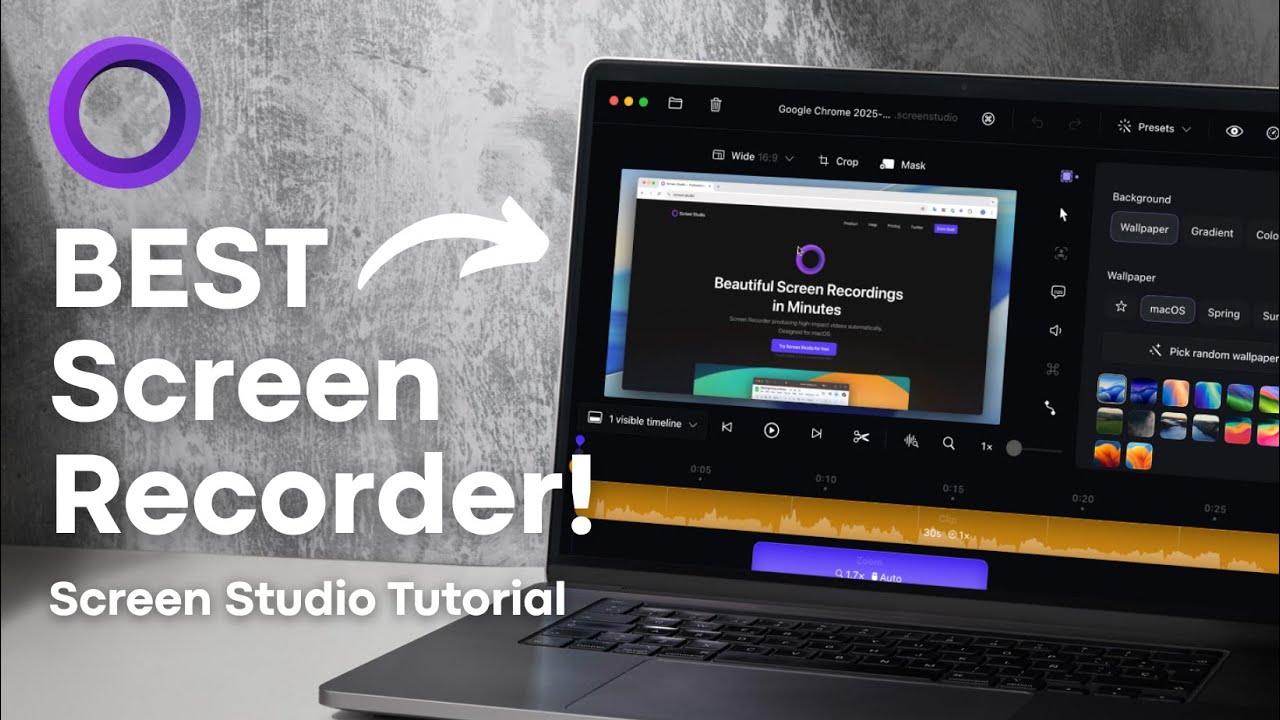
▶ Watch: CREATE Stunning Screen Recordings on Mac — Screen Studio Tutorial & Walkthrough
🎬 Setting Up Screen Studio for Your First Recording
Getting started takes under five minutes. Here's the exact setup flow:
-
1Download Screen Studio from the official site (macOS only)
Head to screen.studio and download the latest version. Installation takes under 60 seconds.
-
2Open the app and choose a recording mode
Select from display, window, area, or device capture. For SaaS demos, window capture is ideal — it keeps the recording tight on your product UI without capturing desktop clutter.
-
3Select your audio source
Choose system audio, microphone, or both. For voiceover demos, use an external mic for best results. Screen Studio applies built-in noise reduction automatically.
-
4Enable webcam overlay (optional)
If you want a face-cam bubble in the corner of your demo, enable the webcam overlay. You can adjust size, shape, and position in the editor afterwards.
-
5Set resolution to 4K and hit record
Higher resolution footage gives you room to crop and zoom in post without losing clarity. Walk through your product naturally — Screen Studio handles the production.
Before recording, close unnecessary apps and disable notifications. A clean desktop keeps the viewer's attention on your SaaS product interface and avoids distracting pop-ups mid-demo.
📝 Planning a Demo That Actually Converts
A common mistake? Trying to show every single feature in one video. Great SaaS product demos focus on one core use case. Lead with the outcome, not a login screen. Show what success looks like, then backtrack to explain how you got there.
Here's a proven structure for a 2–4 minute SaaS demo video:
| Section | Duration | Goal |
|---|---|---|
| Hook (pain point) | 10–15 sec | Grab attention with a relatable problem your prospect faces daily |
| Solution preview | 15–20 sec | Show the end result inside your product before explaining the how |
| Step-by-step walkthrough | 90–120 sec | Guide the viewer through one core workflow with auto-zoom highlighting key actions |
| Call to action | 10–15 sec | Clear next step: free trial, sign-up, or book a call |
Instead of "Let's say you want to create a report," try: "Your marketing lead needs campaign analytics ready by Friday morning." That specificity builds trust fast and helps prospects see themselves using your product.
🎬 Start Recording SaaS Demos in Minutes
Screen Studio handles auto-zoom, cursor smoothing, and branding automatically. No video editor required.
Annual plan from $9/month · 30-day money-back guarantee
✂️ Editing Your Recording Inside Screen Studio
Once you stop recording, Screen Studio opens your footage in a built-in editor. No need to export to a separate tool. Everything happens in one place.
Here's where the magic happens:
- Automatic zoom and pan follows your cursor and highlights clicks. Drag zoom points on the timeline to fine-tune timing without touching keyframes.
- Smooth cursor animation removes shaky mouse movements — your demo looks intentional and professional every single time.
- Background customisation lets you swap the default wallpaper for branded colours, gradients, or custom images that match your product.
- Webcam overlay adjustments give full control over size, shape, and position of your face-cam bubble in the corner.
- Built-in noise reduction cleans up microphone audio automatically — no post-processing in Audacity or Premiere needed.
- On-device AI transcripts generate captions without sending your recording to the cloud. Ideal for sensitive product demos.
"Most office workers watch videos on mute. Adding captions can boost engagement by 25–30%."
— Wistia Video Marketing ResearchScreen Studio supports direct iPhone and iPad screen recording via a connected device. Record your SaaS mobile app alongside your Mac dashboard in one session.
📤 Exporting and Sharing Your SaaS Demo Video
Screen Studio supports multiple export formats built for every distribution channel:
- MP4 in 4K or 1080p for landing pages, websites, and sales decks — full quality without file bloat.
- Vertical video export for LinkedIn, Instagram Reels, and TikTok — Screen Studio re-adjusts all zoom effects for the 9:16 format automatically.
- GIF export for quick feature previews in emails, product documentation, and Intercom chats.
- Shareable presets help teams keep branding consistent across all demos — one brand template, every team member's recording looks on-point.
Product videos placed above the fold on SaaS landing pages consistently outperform text-only pages on conversion rate. Embed your Screen Studio demo as the first thing visitors see.
🔧 Advanced Techniques for Better SaaS Demos
Once you've nailed the basics, these techniques separate good demos from outstanding ones.
Use Instant Replay for Key Moments
Screen Studio has a replay feature that loops back to highlight an important action. Use it when showing a "wow" moment — like a one-click automation or a real-time dashboard update. Repetition makes complex features stick.
Record iPhone or iPad Alongside Mac
If your SaaS product has a mobile app, record both screens simultaneously. Screen Studio supports iOS device screen recording directly through a connected device — perfect for showing cross-platform functionality in a single seamless take.
Create Segment-Specific Versions
Don't send one generic demo to every prospect. Record variations for different buyer personas.
- A CFO cares about ROI dashboards and cost-reduction metrics.
- A Marketing Manager cares about campaign setup speed and reporting.
- A Developer cares about API integrations and customisation depth.
"One SaaS company reported trial conversions jumping from 12% to 34% after personalising demo content per industry segment. That's a 183% increase worth paying attention to."
— SaaS Growth Case Study, 2025End With a Strong Call to Action
Always close with a clear next step. A "Start Free Trial" button overlay or a verbal prompt to book a call makes a measurable difference in conversion rates. Screen Studio lets you add text overlays directly to your exported video — no external editor needed.
💡 Ready to Build Your First SaaS Demo?
Join 50,000+ creators using Screen Studio to produce polished demos without a single frame of manual editing.
🛡️ 30-day money-back guarantee · No questions asked · Use on 3 Macs
✅ Pre-Publish Checklist: Before Your Demo Goes Live
Run through this checklist before pushing your SaaS demo video to any channel:
- ✅ Audio is clean — no background hum, echo, or mic crackle
- ✅ Captions are accurate and properly timed to speech
- ✅ Auto-zoom points highlight the correct actions and clicks
- ✅ Branding (colours, logo, background) is consistent throughout
- ✅ Call to action is clearly visible at the end of the video
- ✅ Video length stays between 2–4 minutes for B2B SaaS demos
- ✅ No notification pop-ups or personal data visible in the recording
- ✅ Exported in the correct format for each distribution channel
Short, focused demos consistently outperform long feature tours. For B2B SaaS, 2–4 minutes delivers enough value to build purchase intent without losing viewer attention. Anything beyond 5 minutes sees significant drop-off in completion rates.
🌍 Where to Distribute Your SaaS Demo for Maximum Reach
Creating a brilliant demo is half the job. Distribution determines ROI. Here are the highest-impact channels:
-
Homepage & Product Pages
Embed your demo above the fold on your SaaS landing page. Drives organic traffic conversions and reduces bounce rate significantly.
-
Email Sequences
Use GIF teasers in onboarding and nurture emails. A thumbnail GIF linking to the full demo grabs attention without bloating file size.
-
Social Media (LinkedIn + Short-Form)
Export vertical cuts for LinkedIn, TikTok, and Instagram Reels. Screen Studio's vertical export re-adjusts zoom effects automatically for 9:16.
-
Sales Decks & Pitch Presentations
Embed your demo MP4 directly into Keynote, PowerPoint, or Google Slides. A live product demo in a pitch deck closes faster than screenshots.
-
Help Centre & Knowledge Base
Replace static screenshots with short Screen Studio walkthroughs. Support ticket volume drops when customers can watch exactly what to do.
A single 3-minute demo becomes: a 30-second social teaser, a GIF for email campaigns, a full walkthrough for your website, and a clipped highlight for sales decks. Screen Studio's flexible export options make repurposing fast and frictionless.
🚀 Start Creating Demos That Convert Today
SaaS buyers expect to see your product in action. Screen Studio gives you a fast, polished way to deliver exactly that — without a video production team or editing software.
Annual plan · $9/month · Billed $108/year · Save $240 · 30-day money-back
Affiliate Disclosure: This article contains affiliate links. We earn a small commission when you purchase Screen Studio through our links at no additional cost to you. All opinions are our own based on hands-on testing.